
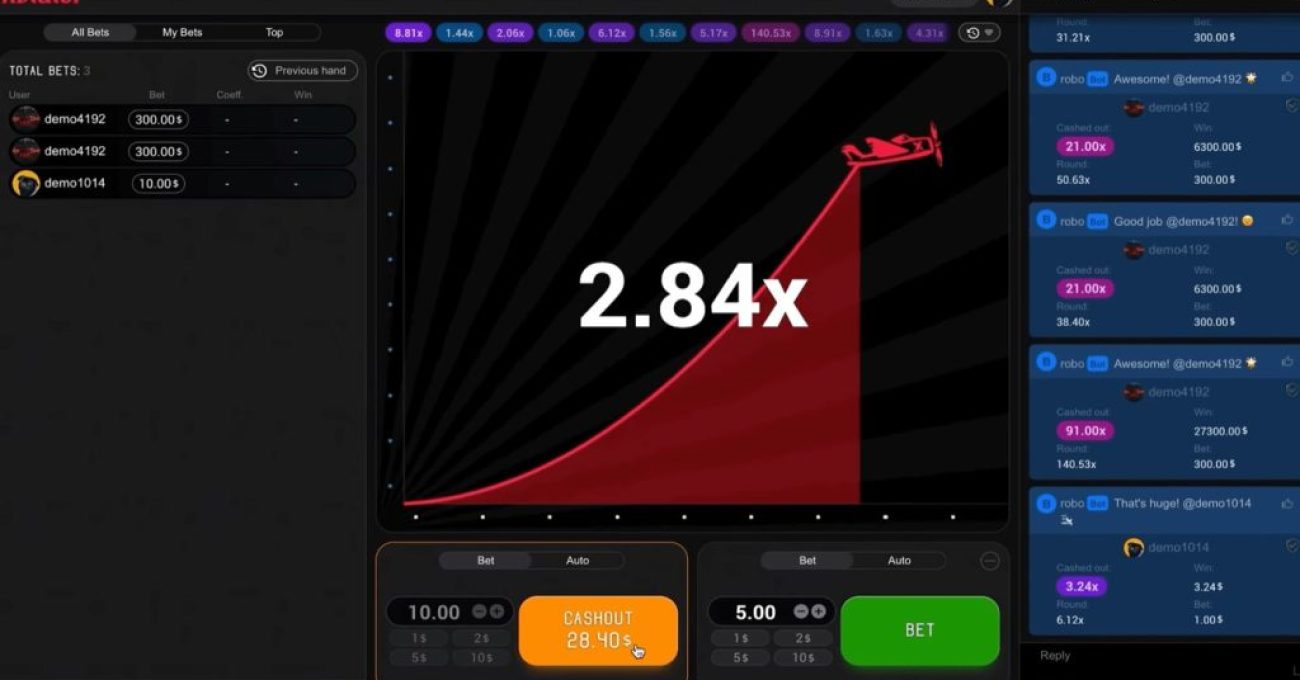
Aviator Auto Bet and Stop-on-Loss Controls Explained
Aviator is a crash game by Spribe. The multiplier rises from 1.00x until the plane leaves the screen, and the round can end at any point.
Auto Bet and Auto Play remove repeated clicks from a chosen run of rounds. They do not predict the crash point, improve the 97% RTP, or change the 3% house edge.
Aviator Auto Bet Controls
Aviator provides two bet panels in each round. Each panel has Bet and Auto tabs, so one panel can use automation while the other uses manual controls.
The Auto Bet setting places a stake for a selected number of rounds. The available range is 10 to 100 rounds, depending on the control shown by the operator.
- Choose the Auto tab on a bet panel.
- Enter the stake for each round.
- Choose a round count from 10 to 100.
- Set an Auto Cash-Out multiplier if you want the bet to close automatically.
- Set stop-on-win and stop-on-loss values when those controls are available.
The two panels work separately. A player can set one panel to cash out at 1.50x and use the second panel for a different cash-out target. The panels also have separate cash-outs when betting manually.
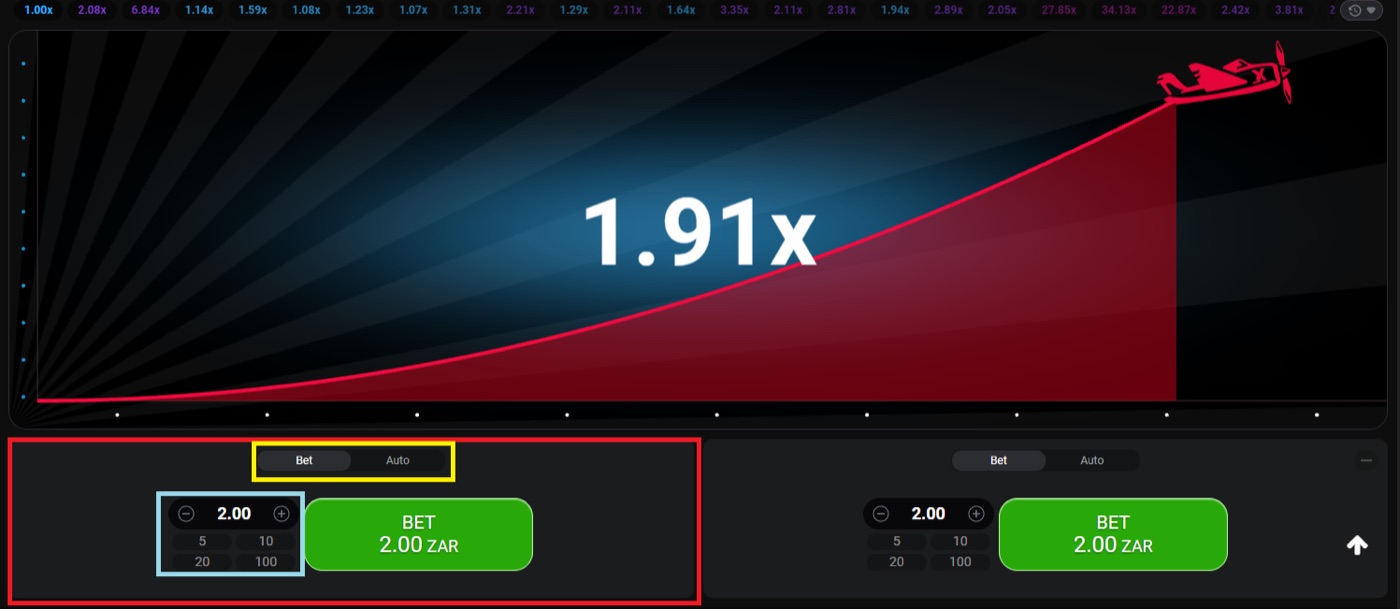
Two bet panels appear beside the rising 1.91x multiplier.
Auto Cash-Out is a preset multiplier, not a promise that every round reaches that level. If a round crashes at 1.20x, an automatic target of 1.50x cannot complete.
The round count controls how long the automated sequence can continue. It does not mean that the game will produce a win during those 10, 50, or 100 rounds.
Ten To One Hundred Rounds
Auto Play can run from 10 rounds to 100 rounds. A 10-round setting creates a shorter sequence than a 100-round setting, but both sequences use the same independent round process.
Aviator rounds last about 8 to 30 seconds. The game normally shows 60 to 90 rounds per hour, with a few seconds between rounds.
- Pick the number of rounds before starting the sequence.
- Choose a stake that applies to each automated bet.
- Set an automatic cash-out target or leave cash-out manual when the interface permits it.
- Review the stop conditions before confirming Auto Play.
For example, a 10-round sequence at a $1 stake exposes $10 across the sequence if every scheduled bet is placed. A 100-round sequence at the same stake exposes $100. These are simple stake totals before wins and losses are considered.
A win does not necessarily end the sequence. Auto Play can continue until it reaches the selected round count or until a stop-on-win or stop-on-loss condition ends it.
The exact display and available inputs depend on the operator. The interface can show typical quick stake buttons, an Auto tab, and an Auto Cash-Out field, but labels may differ.
- 10 rounds: a short automated test period.
- 50 rounds: a longer sequence with more individual outcomes.
- 100 rounds: the longest stated Auto Play range.
Those choices are scheduling choices. They are not probability settings. A longer sequence gives more opportunities for outcomes, including more losses, but it does not make a target more likely in the next round.
Stop-On-Win Settings
Stop-on-win ends an automated sequence after the selected win condition occurs. The condition applies to the Auto Bet sequence rather than changing the crash point.
Aviator also lets players set Auto Cash-Out at a preset multiplier. The win condition therefore needs to be read with the cash-out target, stake, and operator display.
What counts as a win
A bet wins when the player cashes out before the crash. With an automatic target of 1.50x, the intended cash-out occurs if the multiplier reaches 1.50x before the crash.
If the sequence has a stop-on-win condition, that completed result can stop the next scheduled bets. A round that crashes before the target is a loss and does not satisfy a stop-on-win instruction.
Consider a $2 stake with Auto Cash-Out at 2.00x. A completed cash-out returns $4 before the stake accounting used by the operator. A crash at 1.80x produces no successful cash-out for that bet.
The stop-on-win setting is useful for limiting continued play after a chosen result. It is not a prediction tool. It cannot identify which round will reach 1.50x, 2.00x, or another target.
- Set the cash-out multiplier first.
- Check whether the stop condition uses a single winning bet or another displayed total.
- Confirm the sequence before the first scheduled round.
- Check whether the operator shows the condition as a profit or win target.
Some strategy guides use targets between 1.50x and 2.00x. Historical probabilities in the fact set are 64.7% for 1.50x and 48.5% for 2.00x. Those figures describe the chance that a round reaches the multiplier, not a guarantee for an Auto Play sequence.
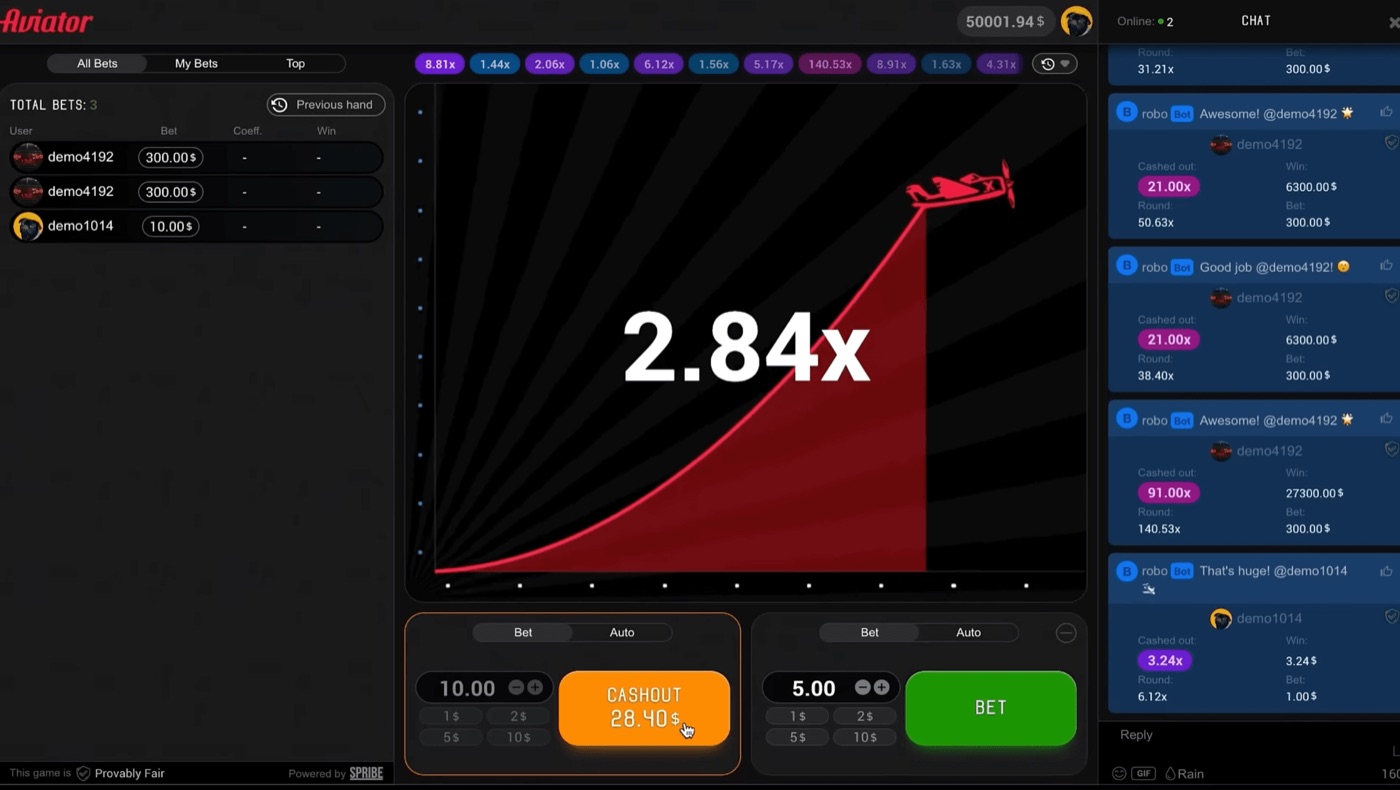
The interface shows live bets, chat, and a cash-out at 28.40x.
Stop-On-Loss Settings
Stop-on-loss ends an automated sequence after the selected loss condition occurs. The control limits further scheduled bets; it does not recover a losing stake.
Aviator can crash at 1.00x, and about 3% of rounds crash instantly at that multiplier. That is roughly 1 in 33 rounds, although the independent process does not follow a fixed timetable.
A stop-on-loss value can be expressed through the operator’s displayed controls. Read whether the field refers to a single loss, a loss amount, or a running result before starting the sequence.
- Enter the stake per round.
- Choose the Auto Play round count.
- Set the loss threshold shown by the interface.
- Start the sequence only after checking the threshold and currency.
- Stop manually if the displayed setting does not match the intended limit.
For example, a player may choose a $1 stake and a $5 loss threshold. Five losing $1 bets reach $5 before any other account result is considered. The operator’s control may calculate the threshold differently, so the label and running total matter.
Stop-on-loss does not make later rounds safer. It simply prevents the automation from placing more bets after the selected loss condition is reached.
- It does not alter the next crash point.
- It does not reverse a completed loss.
- It does not carry a loss into a new round as a probability boost.
- It does not turn a negative expected value into a positive one.
Responsible gambling means setting a loss limit before play and stopping when that limit is reached.
What Automation Does Not Change
Spribe gives Aviator an RTP of 97% and a house edge of 3%. The expected value is minus 3% of the stake at every cash-out target.
Auto Bet changes the timing of inputs. It does not change the game’s high variance, the crash point, or the probability of reaching a selected multiplier.
| Target | Chance the round reaches it | What automation changes |
|---|---|---|
| 1.20x | 80.8% | It can place the bet and request the preset cash-out. |
| 1.50x | 64.7% | It can repeat the same target across scheduled rounds. |
| 2.00x | 48.5% | It can stop after a configured result or loss condition. |
| 5.00x | 19.4% | It cannot make the target more likely. |
| 10.00x | 9.7% | It cannot predict when the target will arrive. |
The probability that a round reaches multiplier m is 0.97 divided by m. The 3.00x probability is 32.3%, while the 20.00x probability is 4.85%.
These percentages apply to a round reaching the multiplier. A cash-out request must also reach the server before the crash. A slow device or network delay can cause a cash-out time-out.
The game commits the crash point before take-off. Before each round, the server publishes a SHA-256 hash of the server seed, and player client seeds are combined with it.
- The hash is published before the round.
- The crash point is fixed before take-off.
- The inputs are revealed after the round.
- The verification tool inside the game can check the result.
- Neither Spribe nor the operator can change the result after the round starts.
That process explains why Auto Play cannot function as an Aviator predictor. Patterns, graph analysis, a best time to play, and a strategy chart do not change independent-round odds.
The linked sentence must stay equally practical: a crash game player should treat the multiplier, cash-out, and stake as separate controls when considering aviator spribe apk.
Using Auto Play Carefully
Aviator has a demo mode that needs no registration. The game works in desktop, tablet, and mobile browsers and was built for low bandwidth and budget devices.
A demo sequence can show how the Auto tab, round counter, stop-on-win, and stop-on-loss fields behave. It does not create a cash balance or prove that a staking plan will work with real money.
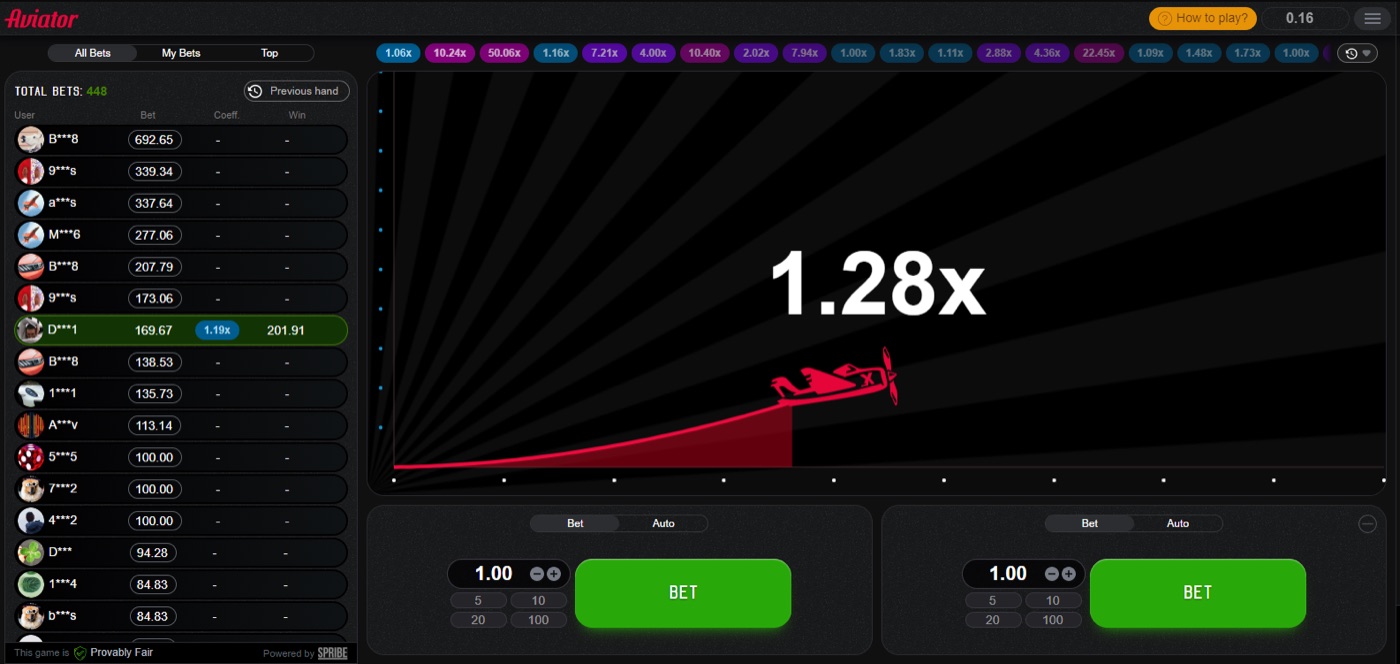
The plane is in flight while the multiplier rises before the crash.
Use a short sequence when testing the controls. Ten rounds are easier to inspect than 100 rounds because the player can compare each scheduled bet with the result and the running total.
- Test the control in demo mode first.
- Use a fixed stake rather than changing it after each result.
- Confirm the Auto Cash-Out multiplier before starting.
- Set a stop-on-loss value before the first bet.
- Check the sequence status after a stop-on-win event.
Martingale is not a safety control. It doubles the stake after each loss and reaches 1,024 times the base stake after 10 losses.
Fibonacci and D’Alembert systems also do not beat the 3% house edge. Changing stakes can change variance, but it cannot change the game’s expected value.
One practical distinction matters. Auto Play sends scheduled bets, while cash-out still depends on the preset target and the round reaching it before the crash.
Aviator FAQ
Aviator offers Auto Bet and Auto Play for 10 to 100 rounds. The same game retains a 97% RTP and 3% house edge when those controls are used.
Each automated round remains subject to the fixed crash point and the cash-out timing required by the game server.
Can Auto Bet predict Aviator?
No. Auto Bet repeats the selected instructions for scheduled rounds. The crash point is fixed before take-off through the provably fair process, so automation cannot predict the next multiplier.
How many rounds can Auto Play run?
The stated Auto Play range is 10 to 100 rounds. The exact control display depends on the operator, so check the available round selector before confirming the sequence.
What does stop-on-win do?
Stop-on-win ends the automated sequence after the configured winning condition occurs. It does not change the multiplier, improve the RTP, or guarantee that a round reaches the Auto Cash-Out target.
What does stop-on-loss do?
Stop-on-loss ends further scheduled bets after the configured loss condition occurs. It does not refund completed losses or make the next round more likely to win.
Why can an automatic cash-out time out?
The cash-out request must reach the server before the crash. Latency or a slow device can prevent the request from arriving in time, even when Auto Cash-Out is selected.
Is there a standalone official Aviator app from Spribe?
No standalone official Aviator app from Spribe is listed in the facts. The game runs inside an operator website or app, and third-party Aviator or predictor apps are separate products.